
Features / Switching from Afi
Switching from Afi? Bring all your history with you
Leaving Afi or another backup service doesn't mean losing years of history. CyberWall imports your old backups, former employees included, so everything is in one place before you cancel.
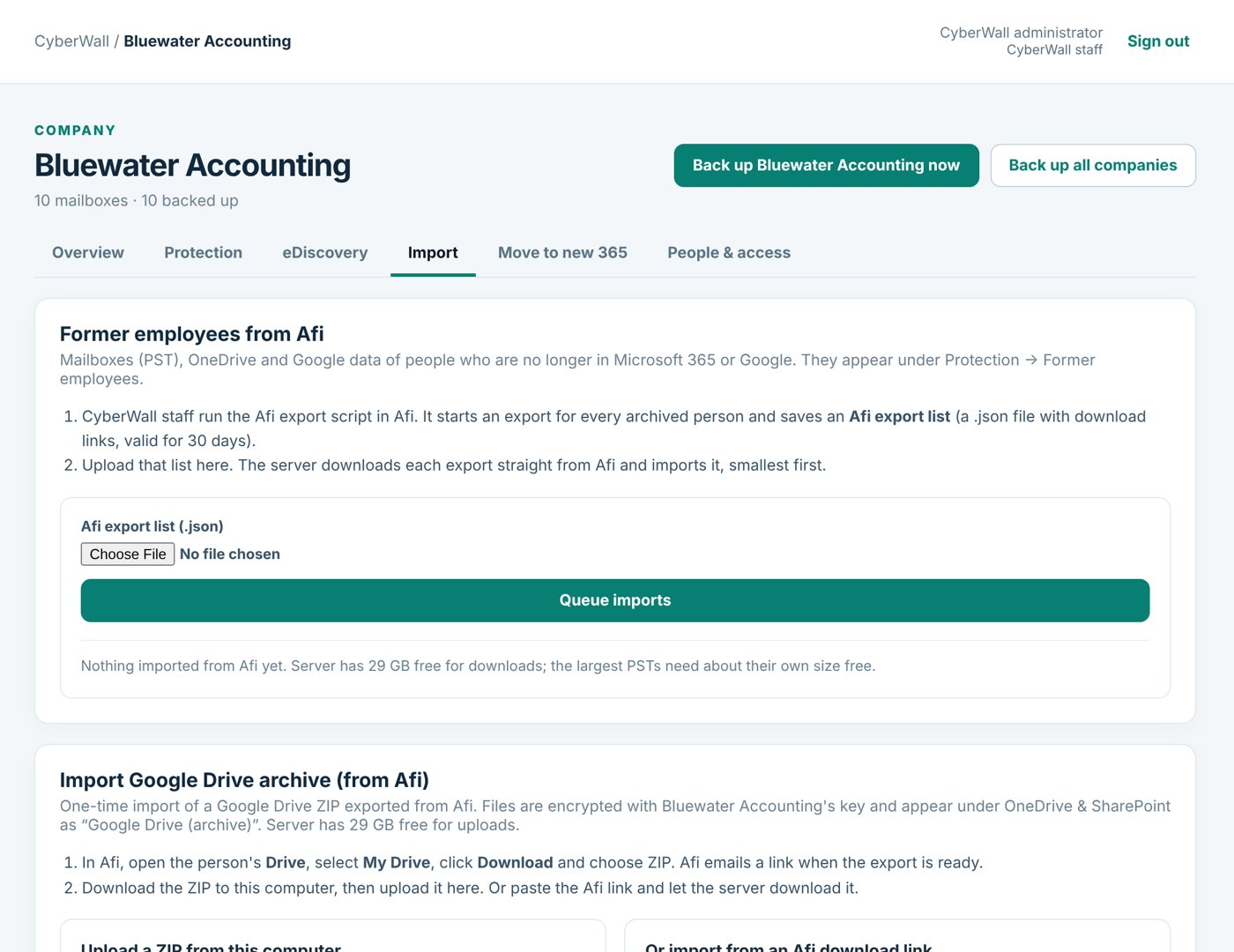
Real CyberWall screen, shown with demo data for a fictional company.
What you get
- Email (PST) and Gmail. Mailboxes come in with their folders; Gmail labels become folders.
- OneDrive and Google Drive. Files arrive with their folders, encrypted with your company's key.
- Deleted groups and sites. SharePoint document libraries of deleted groups.
- Former employees. Archived people get their own person page and stay searchable.
- We check it with you. A side-by-side count of what the old service held and what CyberWall has.
- Proven. One customer moved 529 Afi archives, former employees included, in about a week.
How it works
- 1
Export
We help you start the exports in your old service.
- 2
Import
Upload the export list; CyberWall downloads and imports everything.
- 3
Check, then cancel
Compare the counts, then cancel the old service.
More features
Alerts & restore tests
A daily restore test, a clear dashboard and an email when something needs attention.
Learn more →Email backup
Every Microsoft 365 mailbox, shared mailboxes included, backed up daily and browsable like Outlook.
Learn more →OneDrive & SharePoint
Every OneDrive and SharePoint library, with earlier versions and whole-folder download.
Learn more →Protect your Microsoft 365 today
14-day free trial. $3 per user per month after that. Set up in minutes, nothing to install.
Or email sales@cyberwallsecurity.com